01
Instant presence
Open Faceroom and you appear in the corner for everyone else already in the room. Close it and you disappear.
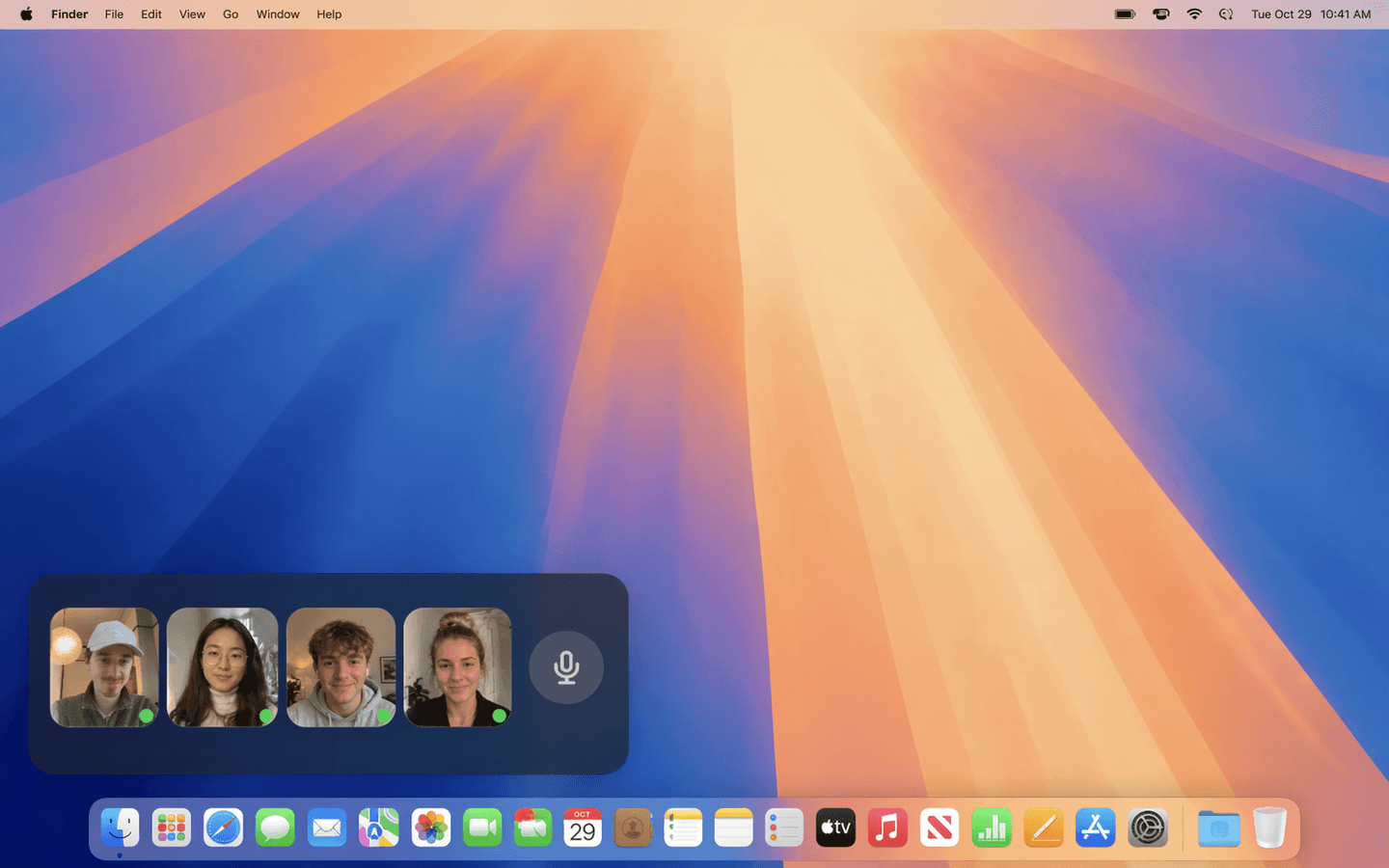
Faceroom puts a tiny floating video strip in the corner of your screen — one tile per person. Hold the mic to talk. No accounts, no calls to start, just open it.
macOS 13 or later
0 downloads so far
Why it works
Enough presence to feel the room, not enough ceremony to derail the day.
Features
01
Open Faceroom and you appear in the corner for everyone else already in the room. Close it and you disappear.
02
The strip floats above every window and every Space so your team stays visible without stealing your screen.
03
Hold the mic when you need to say something. Let go when you are done. No open-mic chaos.
Setup
Download the Mac app.
Allow camera access once.
Start working and keep your team in view.
Best for
Use it when
You want to glance over, wave, or ask one quick thing without starting a meeting.
Skip it when
You need formal agendas, screen sharing, or a room built for presentations.